Microscopy in Blender
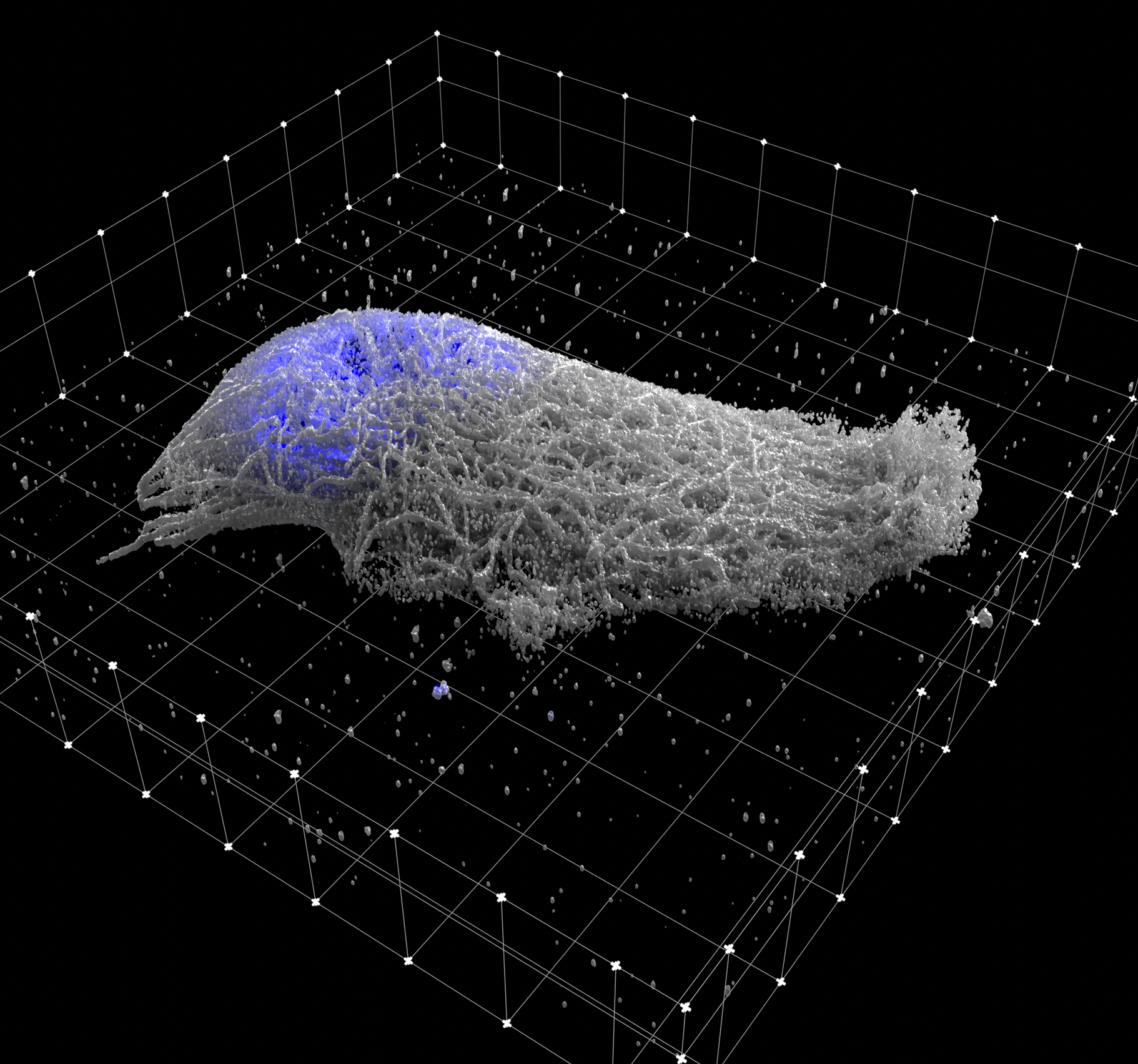
Microscopy Nodes 3.1 adds microscopy-data workflows to Blender 5.2 and newer. It loads TIFF and OME-Zarr data as editable volumes, surfaces, label masks, and time series while preserving physical scale.
New here? Install Microscopy Nodes, then load your first dataset.
For usage questions, please use the image.sc forum 😁. For issues, bug reports, or feature requests, please open an issue.
If you publish work made with Microscopy Nodes, please cite Gros et al. (2026), Microscopy Nodes: versatile 3D microscopy visualization with Blender.
@article{gros_microscopy_2026,
    title = {Microscopy {Nodes}: versatile {3D} microscopy visualization with {Blender}},
    volume = {27},
    issn = {1469-3178},
    shorttitle = {Microscopy {Nodes}},
    url = {https://doi.org/10.1038/s44319-025-00654-8},
    doi = {10.1038/s44319-025-00654-8},
    language = {en},
    number = {3},
    journal = {EMBO Reports},
    author = {Gros, Aafke and Bhickta, Chandni and Lokaj, Granita and Johnston, Brady and Schwab, Yannick and Köhler, Simone and Banterle, Niccolò},
    month = feb,
    year = {2026},
    pages = {581--597}
}
Current features
Microscopy Nodes supports:
- Up to 5D (
tzcyxin any axis order) TIFF and OME-Zarr loading - Volume, isosurface, and per-index label-mask representations
- Multiscale and sparse high-resolution reloading
- Geometry masking, segmented-region recoloring, and volume processing
- Projection of volume measurements onto meshes
- Time-series animation and automatic time labels
- Accurate scale grids and orthographic scale bars
Get started
All icons used except the Microscopy Nodes icon were designed for Blender by @jenzdrich under CC-BY-SA 4.0.